Keyboard focus forwards hardware key messages to the correct user interface element in your application. For example, the user can press the arrow keys on the keyboard to move a slider or press the Enter key to click a button.
Kanzi uses the Focused property to keep track of which node has focus. For example, you can use the Focused property as a controller property in a state manager to change the look and behavior of the node that has active focus.
These are the main concepts behind how focus works in Kanzi:
- Focus chain is a sequence of nodes which defines the order in which Kanzi sets focus to those nodes. Kanzi automatically includes in the focus chain all the nodes in your project.
- Active focus is the focus on the currently focused node. When creating keyboard navigation for your application, you can:
- Navigate the default focus chain to set the active focus.

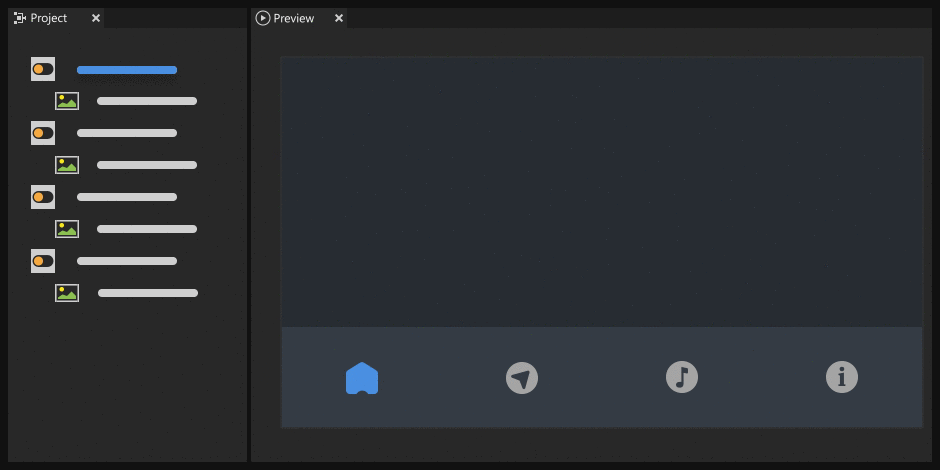
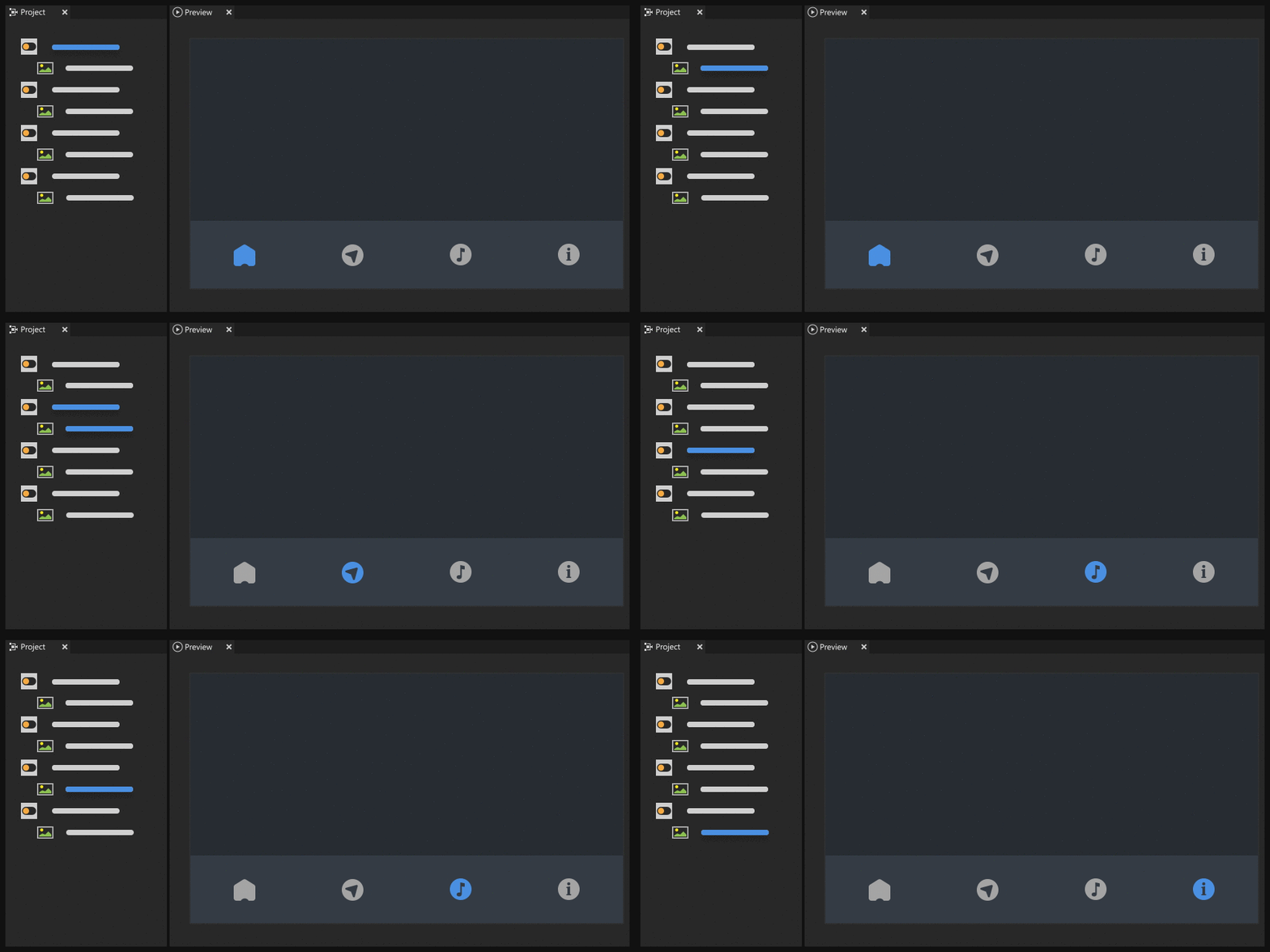
- Manually set the order in which nodes receive active focus.
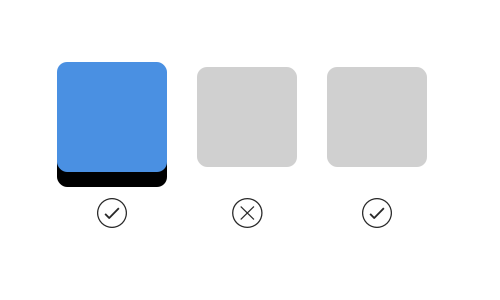
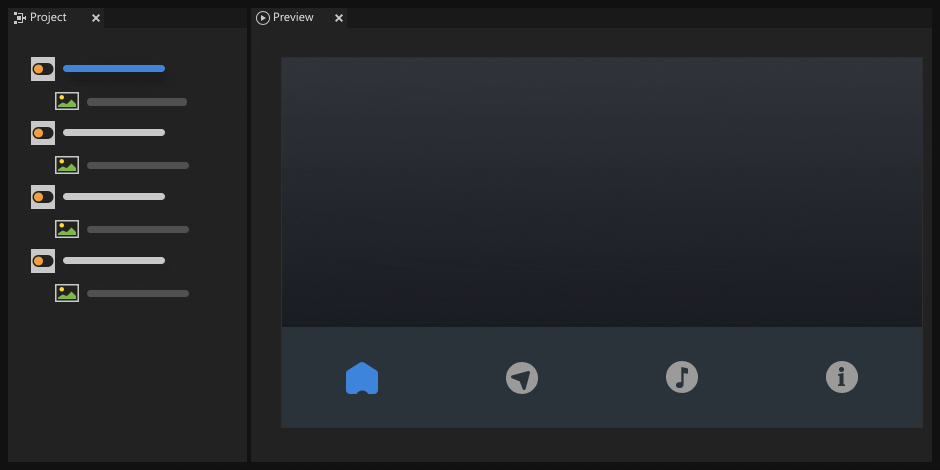
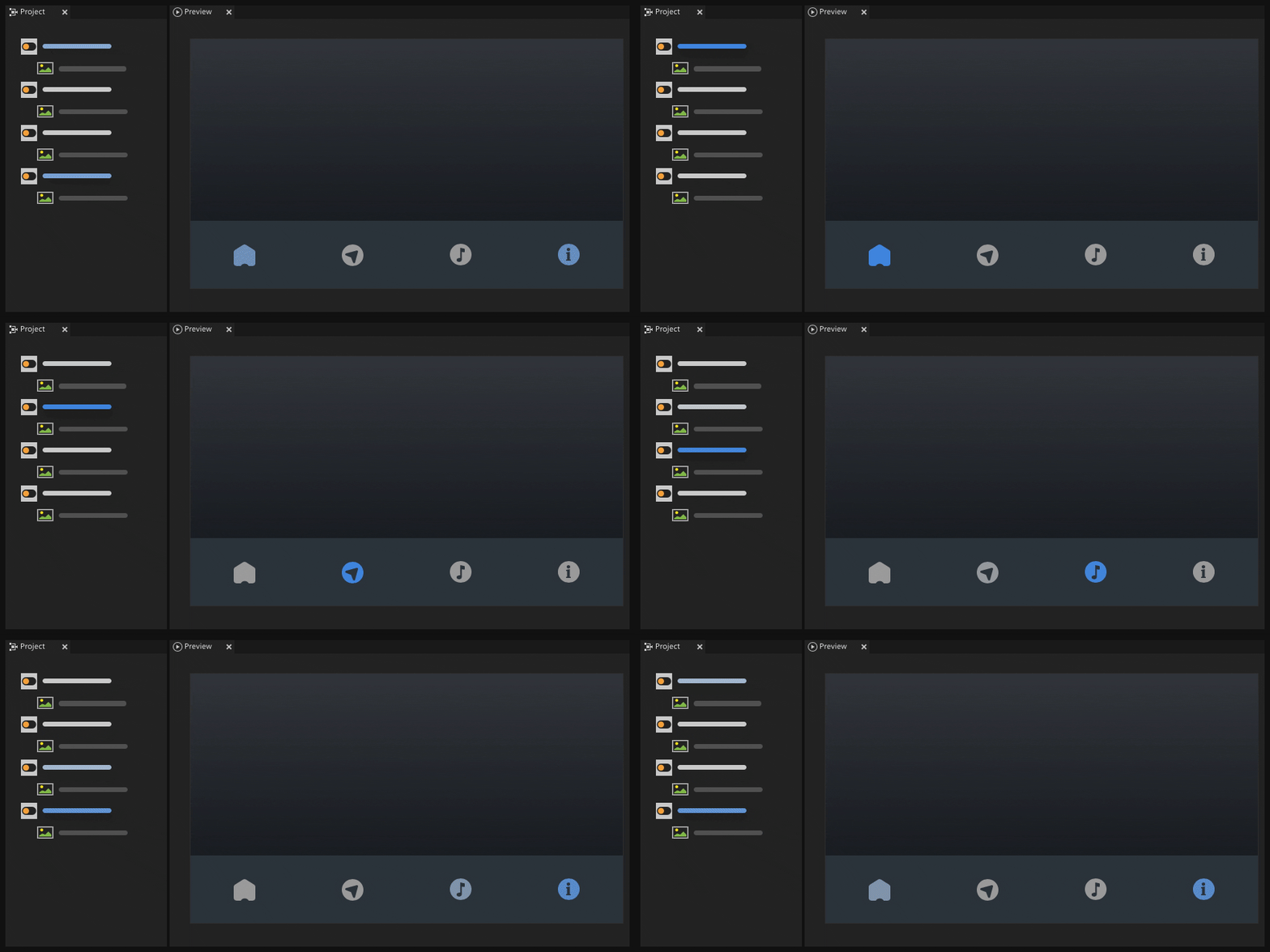
- Navigate the default focus chain to set the active focus.
- Focus scope is a node which helps navigation handling in a focus chain. You can set a node to be a focus scope to forward the focus from that node to a child node.

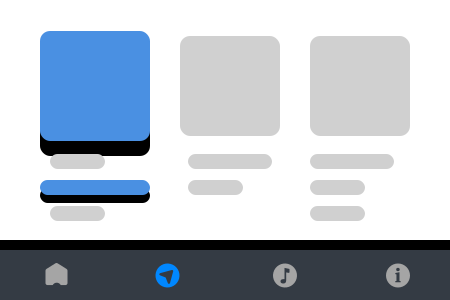
- Focus fence is a focus scope which cannot be focused. A focus fence allows the user to navigate the content within the scope boundaries. For example, you can use a focus fence to create keyboard navigation for a navigation bar or a popup window.
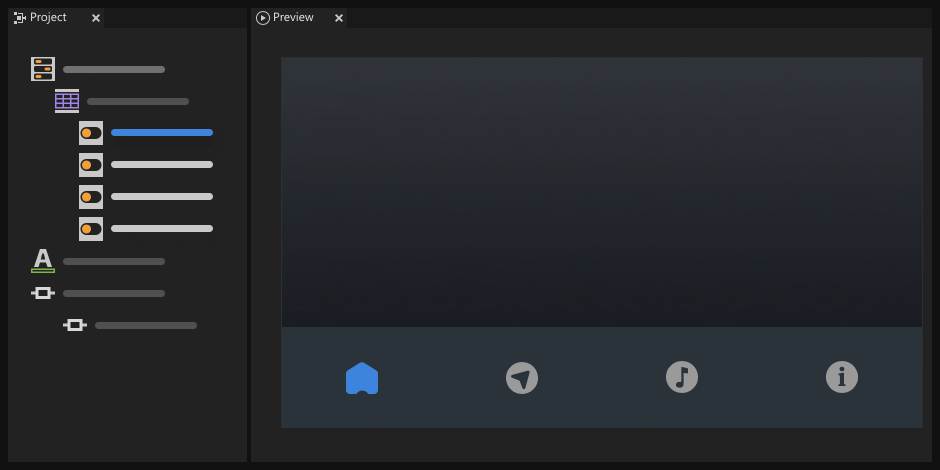
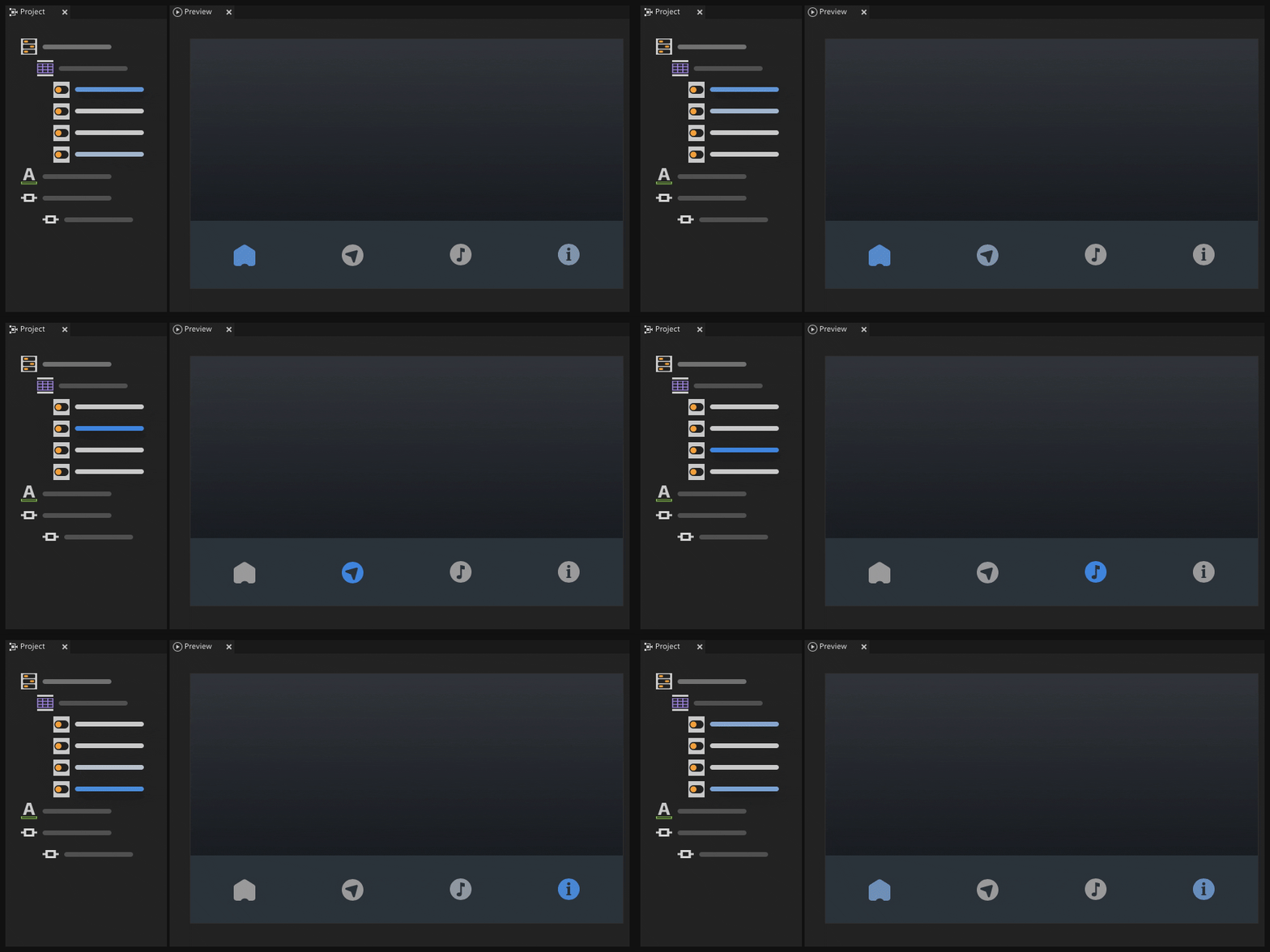
- Logical focus is the focus within focus scope boundaries. The child node which you set to have logical focus receives the active focus in the scope. If the focus scope has no child node with logical focus, the focus scope receives the active focus.
- Focus fence is a focus scope which cannot be focused. A focus fence allows the user to navigate the content within the scope boundaries. For example, you can use a focus fence to create keyboard navigation for a navigation bar or a popup window.
See Using focus.
